How to win back salon clients who haven't booked in a while
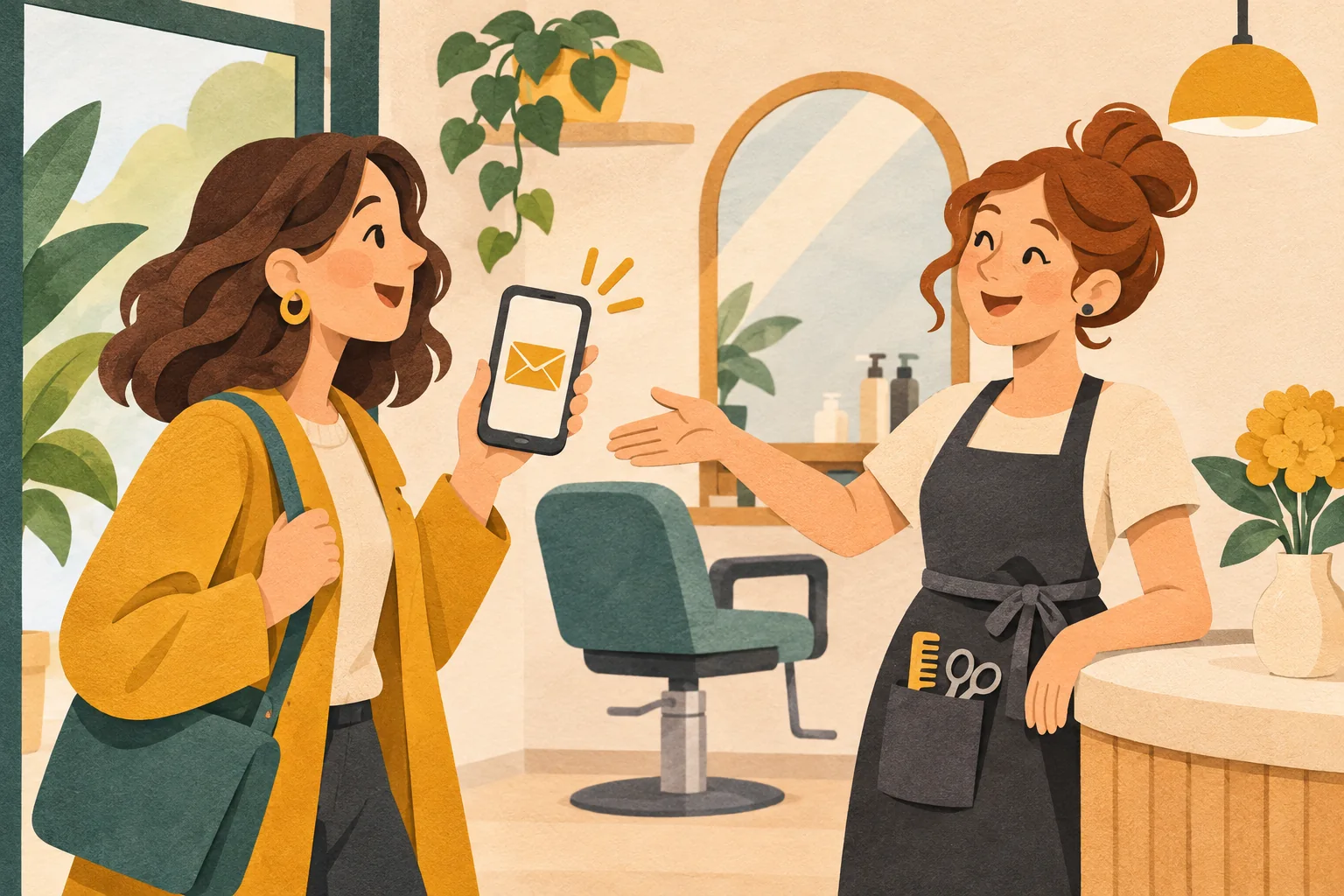
A client who hasn't booked in a while may just need a reminder that it's time for another visit. A short invitation with a booking link makes coming back easy. You don't have to start with a discount.
Meety's automated Win-back campaign handles this for you. Choose how many days after a visit to reach out, select email or SMS, and edit the prepared message. Meety then finds eligible clients and sends the invitation automatically.
When to reach out
Choose a time when the client is likely to be ready for another visit. If they usually come once a month, an invitation after 45 days may be more useful than one after six months. A seasonal service will need a longer gap.
Here are some example settings based on how often clients return to your salon:
| How often clients return | Example invitation timing |
|---|---|
| Roughly every 4 weeks | After 45 days without a visit |
| Roughly every 6 weeks | After 60 days without a visit |
| Roughly every 3 months | After 120 days without a visit |
In Meety, you can choose 14 to 365 days after the last completed visit. The automated campaign currently uses one time threshold per location. To send a separate offer to selected clients, use custom campaigns.
Meety selects the clients for you
You don't need to go through your calendar and build a list of people you haven't heard from. Meety finds clients who have visited before, have reached your chosen number of days since their last visit, and have no upcoming pending or confirmed booking.
The campaign only contacts clients who have marketing consent and contact details for your chosen channel. Deleted and blocked contacts are excluded. If a client books before the message goes out, Meety removes them from the recipient list.
Each client receives one invitation per period without a visit. After another completed visit, they can become eligible again once your chosen number of days has passed. The campaign can keep running without you having to send it manually each time.
What to write
The invitation should tell the client who it's from and make booking easy. Your salon's name, a short message and a booking link are enough.
Meety provides a prepared message in your language. Edit it to sound like you, or use one of the examples below. Variables such as {{customerName}}, {{facilityName}} and {{bookingLink}} are filled in automatically when the message is sent. Replace anything in square brackets with your own offer details.
An email without a discount
Subject: Ready for your next visit?
Hi {{customerName}},
We'd love to see you again at {{facilityName}}. If you're ready for another visit, you can browse available appointments and book online.
Choose a time: {{bookingLink}}
We look forward to seeing you. The {{facilityName}} team
An email with a specific offer
Subject: [Offer name] at {{facilityName}}
Hi {{customerName}},
We have [exact offer details] for you at {{facilityName}}. The offer applies to [services and any restrictions] until [date].
See the offer and choose an appointment here: {{bookingLink}}
The {{facilityName}} team
For a limited-time offer, use a custom campaign that you send once. Your ongoing automated invitation can keep a simple message without an end date. If you want to add a discount, Meety can link the campaign to a promo code.
A short SMS with a booking link
{{facilityName}}: We'd love to see you again. Book your next visit: {{bookingLink}} To opt out: {{facilityEmail}}
With this SMS template, clients can opt out by emailing the address shown; you handle their request by updating their marketing consent in Meety. Email campaigns include an unsubscribe link automatically. If you enable both email and SMS, clients with both contact details receive both messages. SMS messages are charged according to the price list.
Set up the campaign once
- Open Marketing → Campaigns → Win-back.
- Choose the number of days without a visit and the send time. Meety shows how many clients have already reached that threshold.
- Select email, SMS or both, and edit the prepared message.
- Turn on the campaign. The first time you activate it, choose whether to include clients who have already reached the threshold or only those who reach it from now on.
On subsequent days, Meety selects recipients and sends messages automatically at your chosen time. You can edit or pause the campaign whenever you need to. Our step-by-step setup guide walks you through it.
See results in the campaign and in Meety analytics
The campaign page shows sent messages and clients who have booked again. In Meety's new analytics, you can select a date range and compare individual campaigns in the Campaigns section.
| What you want to know | What Meety shows |
|---|---|
| How many invitations went out | Sent messages by channel |
| How clients responded to email | Opens and clicks |
| How many clients booked through the campaign | Booked again |
| Which revenue is linked to the campaign | Revenue from completed visits attributed to the campaign |
Booked again includes clients who booked through the message's link or used its promo code. A booking made by phone without either connection isn't counted in the campaign's results.
Your monthly review can stay in Meety, with responses and bookings in one place. There's no need to copy them into another spreadsheet.
Common questions about winning clients back
Do I have to offer a discount?
No. A friendly invitation and a booking link are enough. You can add a discount for a specific offer; the automated campaign works without one.
Will a client get a message if they already have a booking?
No. Meety skips clients with an upcoming pending or confirmed booking. Invitations are connected to your calendar, so you don't have to clean up the recipient list manually.
Can I send another message every week?
No. A client receives one invitation from the Win-back campaign. They can receive another only after a new completed visit and another period without a visit that reaches your chosen threshold.
Where can I find the full setup guide?
See the Win-back guide. Campaigns are available from the Solo plan. Automated and custom campaigns share a monthly limit of 5,000 emails and 5,000 SMS messages per location; SMS messages are charged according to the price list.
Turn on an automatic invitation for the next visit
Meety brings visit history, your calendar and campaigns together. You choose when to reach out and what to say. Meety handles recipient selection, sending and reporting.